
The Art of Reposting Instagram Carousels A Comprehensive Guide
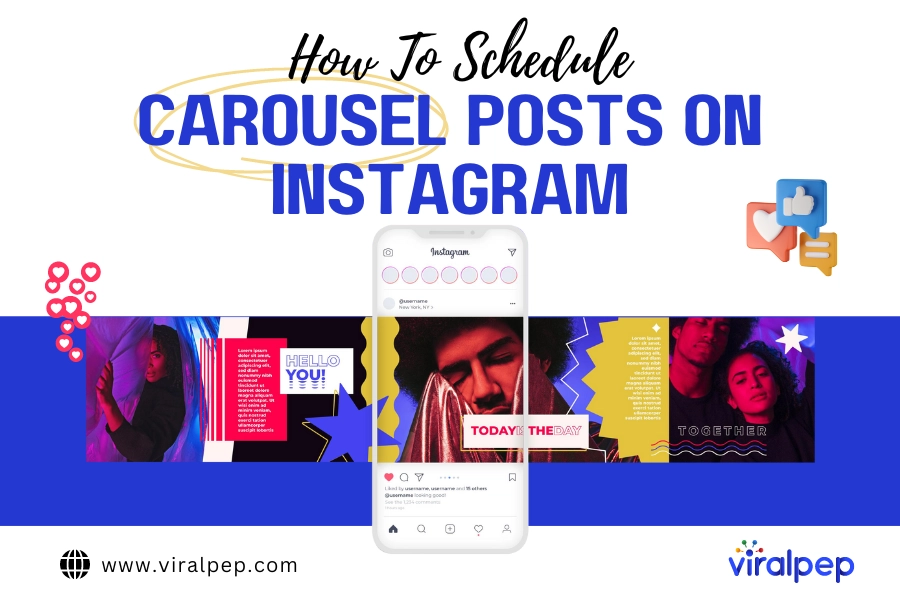
The Art of Reposting Instagram Carousels: A Comprehensive Guide
In the world of social media, sharing content is a way to engage with followers, showcase creativity, and spread inspiration. One of the most popular ways to do this is through repost Instagram carousels, which allow users to share multiple images or videos in a single post. Reposting not only helps you curate a well-rounded feed but also supports fellow creators by giving them the recognition they deserve. In this guide, we will explore the best practices for reposting Instagram carousels, discussing ethical considerations, technical methods, and tips for maximizing engagement.
Understanding Instagram Carousels
Instagram carousels are a feature that allows users to upload multiple images or videos in one post. Followers can swipe left or right to view the various media, making carousels an effective tool for storytelling, product showcases, tutorials, and more. These posts can contain up to ten pieces of content, giving creators ample opportunity to engage their audience. They typically generate higher engagement rates than single-image posts, as they encourage users to spend more time interacting with the content.
Why Repost Instagram Carousels?
Reposting Instagram carousels serves multiple purposes, both for the reposting account and the original creator:
- Boost Engagement: Sharing high-quality content from others can attract new followers who appreciate the curated posts.
- Support Other Creators: Reposting acknowledges the effort of fellow creators, fostering a community of support and collaboration.
- Diverse Content: Adding variety to your feed helps maintain your audience’s interest and keeps your content fresh.
- Showcase Expertise: Curating the best content related to your niche establishes you as a thought leader in the space.
Ethical Considerations in Reposting
When reposting someone else’s content, it’s crucial to take ethical considerations into account:
- Credit the Original Creator: Always tag the original creator in your post and give proper attribution in the caption. This practice builds goodwill and respect within the community.
- Ask for Permission: When possible, seek permission from the original poster, especially if the content is particularly creative or proprietary. A simple message can go a long way.
- Respect Copyright: Understand that content creators retain copyright over their work. Be mindful of using someone else’s content without authorization, as it can lead to disputes.
How to Repost Instagram Carousels
There are several methods to repost Instagram carousels effectively:
1. Using Repost Apps
There are various third-party apps designed specifically for reposting on Instagram. These apps typically allow you to repost not only images but entire carousels while maintaining credits to the original creator. Popular options include:
- Repost for Instagram
- Regrammer
- InstaRepost
Simply download the app, copy the post link from Instagram, and follow the app’s instructions to repost.
2. Manual Reposting
If you prefer not to use an app, you can manually save and repost carousel content:
- Save Content: Take screenshots of each image or video within the carousel, or download them if you have permission.
- Create Your Own Carousel: Upload the saved images or videos as a new carousel post, ensuring to tag the original creator in each slide as applicable.
- Write a Caption: Craft a thoughtful caption that not only describes the content but also mentions the original creator and expresses appreciation for their work.
Maximizing Engagement With Reposted Carousels
While reposting is an excellent way to share content, there are strategies to ensure the reposted carousels engage with your audience:
1. Choose the Right Content
Not all carousels are created equal. Select content that aligns with your account’s theme and resonates with your audience’s interests. High-quality visuals and informative or entertaining captions typically perform better.

2. Timing is Key
Pay attention to when your audience is most active. Use Instagram Insights to determine peak activity times, and plan your reposts accordingly to maximize visibility.
3. Engage with Your Audience
Whenever you repost, encourage your followers to engage by asking questions or inviting them to share their thoughts in the comments. This interaction boosts your visibility due to Instagram’s algorithm favoring engaged posts.
4. Add Your Unique Touch
While reposting, don’t hesitate to add your commentary or insights. This personal touch can provide added value to your followers and distinguish your posts from others.
Troubleshooting Common Issues
Occasionally, you may encounter issues when reposting carousels:
1. Crushed Quality
Be careful with the quality of the images and videos; ensure you are reposting high-resolution content to maintain a professional look on your feed.
2. Copyright Claims
To minimize the risk of copyright issues, always request permission and credit creators correctly. If you receive a claim, promptly address it and consider removing the content or contacting the creator to resolve the issue.
Conclusion
Reposting Instagram carousels is an enriching way to engage with your audience, support fellow creators, and diversify your content. By understanding the ethics of reposting, following best practices, and employing effective strategies, you can ensure that your curated content adds value to your own feed while respecting the hard work of others. So, the next time you come across a carousel that resonates with you, don’t hesitate to share it—just remember to do so thoughtfully and responsibly!